

You know the drill.
Someone mentions a great open-source tool for checking which sites a username is registered on. You open the README. It wants Python 3.11. Your machine has 3.12, and the last tool you installed pinned a library this one hates. Twenty minutes later you have a broken virtualenv, a Stack Overflow tab, and no answer to the question you sat down with.
Now multiply that by every tool in a normal OSINT workflow. Sherlock for usernames. Holehe for emails. theHarvester and dnstwist for domains. Each one installs differently, takes different flags, and drops its output somewhere you’ll never find again.
We got tired of it. So we built otinstaller, and today it’s free for everyone.
It does one job: it gives every open-source OSINT tool the same front door. You install a tool by name, run it with the same syntax as every other tool, and every result gets saved where you can find it again.
pipx install otinstaller
ot install --all
Those two lines install 47 tools.
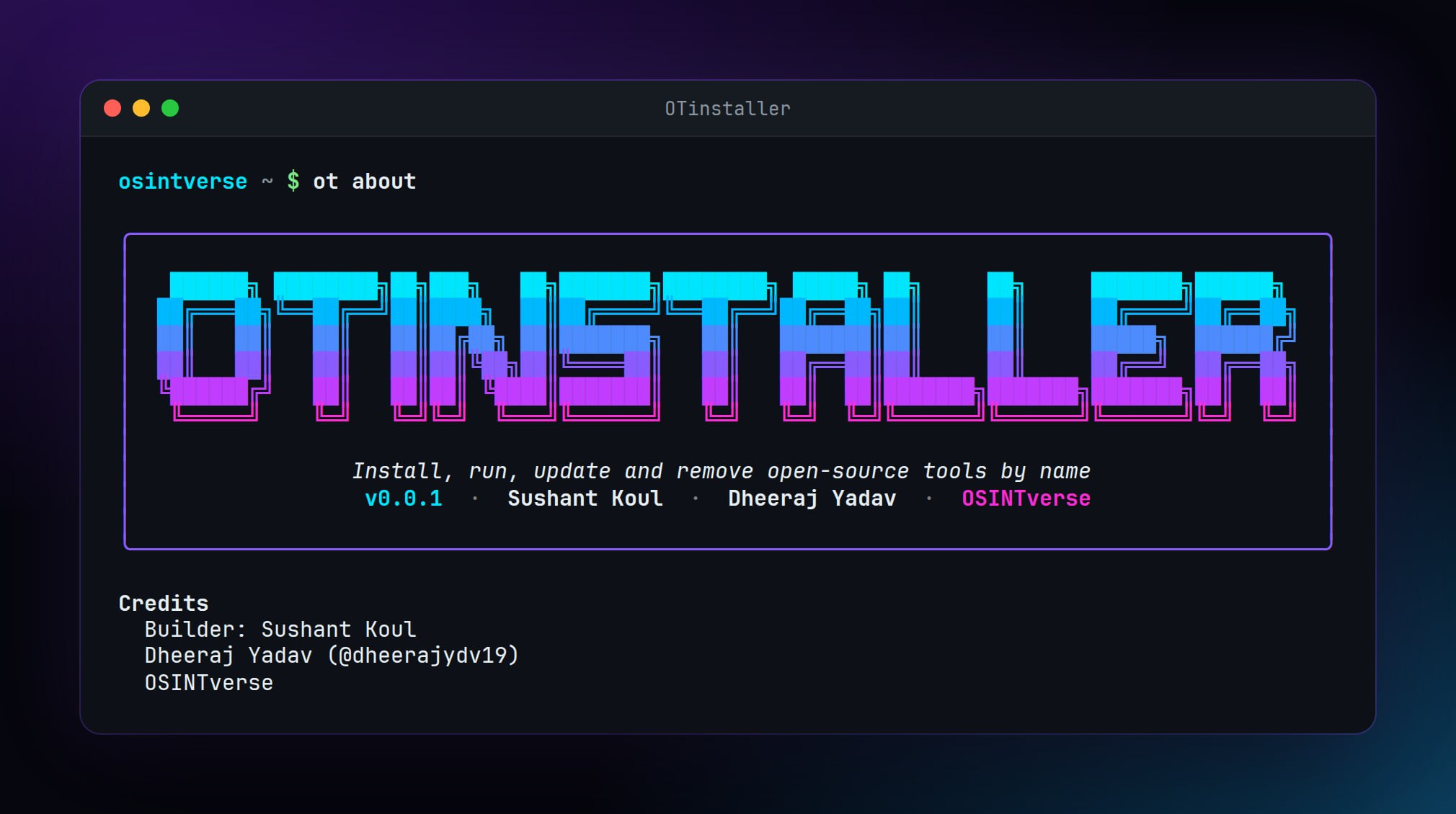
Five minutes with otinstaller
Here’s what using it actually feels like.
Set it up once. ot doctor checks your machine and tells you exactly what’s missing. ot init creates your config and asks you to accept a short responsible-use notice. (More on that below.)
pipx install otinstaller
ot doctor
ot init
Install a tool by name. No cloning, no hunting for the right requirements.txt. Each tool gets its own virtualenv under ~/.otinstaller/, so nothing ever touches your system Python and no two tools can break each other.
ot install sherlockRun it without learning its flags. This is the part I like most. Instead of remembering how every tool wants its input, you tell otinstaller what the target is:
ot run sherlock -- u:janedoe
ot run holehe -- e:jane@example.com
ot run dnstwist -- d:example.com
u: is a username, e: an email, d: a domain, p: a phone number. otinstaller translates that into each tool’s own syntax. Every original flag still works after the --, so power users lose nothing.
Run everything at once. Once you have a few tools installed, this is where it starts to feel different:
ot run --all --live u:janedoeThat runs every installed tool that accepts a username, in parallel, with a live status table. Not sure what kind of target you have? ot auto <target> works out whether it’s an email, domain, IP, URL, or username and picks the right tools for you.
The details that matter on a real case
Installing tools is the easy part to demo. What makes otinstaller useful on a real investigation is the boring stuff underneath.
Every result is kept, with receipts. Each run writes to ./results/<tool>/<target>/ with a timestamped output file and a .meta.json sidecar: the exact command, timing, exit code, and a SHA-256 of the output. Months later, you can show exactly what you ran and when. Group related runs with --case <name>, pull indicators out of saved results with ot extract, and compare the last two runs of a tool with ot diff.
API keys live in one place. All keys go in a single file, ~/.otinstaller/.env, with locked-down permissions. Each tool only receives the keys it declares. ot keys check tells you what’s missing.
Interruptions don’t cost you. If a long install or run dies halfway — crash, kill, power cut — ot resume retries the interrupted install, or hands you the exact command to rerun an interrupted run. Partial output is always kept.
It plays well with scripts and AI agents. Every command supports --json, nothing prompts when you pass --yes, and the repo ships an llms.txt so agents know how to drive it.
Maintenance is one line. ot update --all keeps everything current. ot remove <tool> removes a tool and its environment cleanly. No orphaned folders, no mystery packages.
Why it’s free
otinstaller is MIT-licensed and free, full stop.
The honest reason we built it: open-source tools are where most investigators start, and the setup tax keeps too many people from ever getting good at them. If otinstaller saves you an afternoon of dependency debugging, that’s an afternoon back on the actual case. That’s the whole point.
When open-source runs out — breach records, people search, WHOIS history, face matching — that’s what SearchIn is for. But otinstaller stands on its own, and it always will.
Who built it
otinstaller was built by Sushant Koul, who did the hard, unglamorous work of making 47 very different tools behave like one. If you use it and it saves you time, tell him. Builders don’t hear that often enough.
Use it responsibly
otinstaller installs other people’s tools. It doesn’t write them or vouch for them, and many are dual-use: the same tool that helps a fraud investigator or a journalist could be misused by someone else.
So we put that front and center. The first time you run ot init, you’ll see a short responsible-use notice, and nothing installs until you accept it. Tools tagged dual-use ask again before they install. Use them only on targets you’re authorized to investigate, follow the laws and terms that apply to you, and never use them to harass or harm anyone.
Try it today
If you’re on Linux (it’s tested on Ubuntu, Debian, and Arch, and checked on Kali before each release), you’re two commands away:
pipx install otinstaller
ot install sherlock
Prefer to watch first? Here’s a short demo of the whole registry installing in one go: youtu.be/_AfUGMFRaKA
The full guide, every tool in the registry, and the command reference live at osintverse.com/otinstaller.
What I’d love from you
otinstaller is young, and it gets better fastest when people who use it in real work tell us what’s wrong. Three small asks:
Star it on GitHub at github.com/OSINTVerseHQ/OTinstaller. It genuinely helps other investigators find it.
Tell us which tool to add next. Hit reply to this email. I read every one.
Break it. Open an issue when something fails, or send a pull request if you can fix it.
Thanks for reading, and happy hunting.